
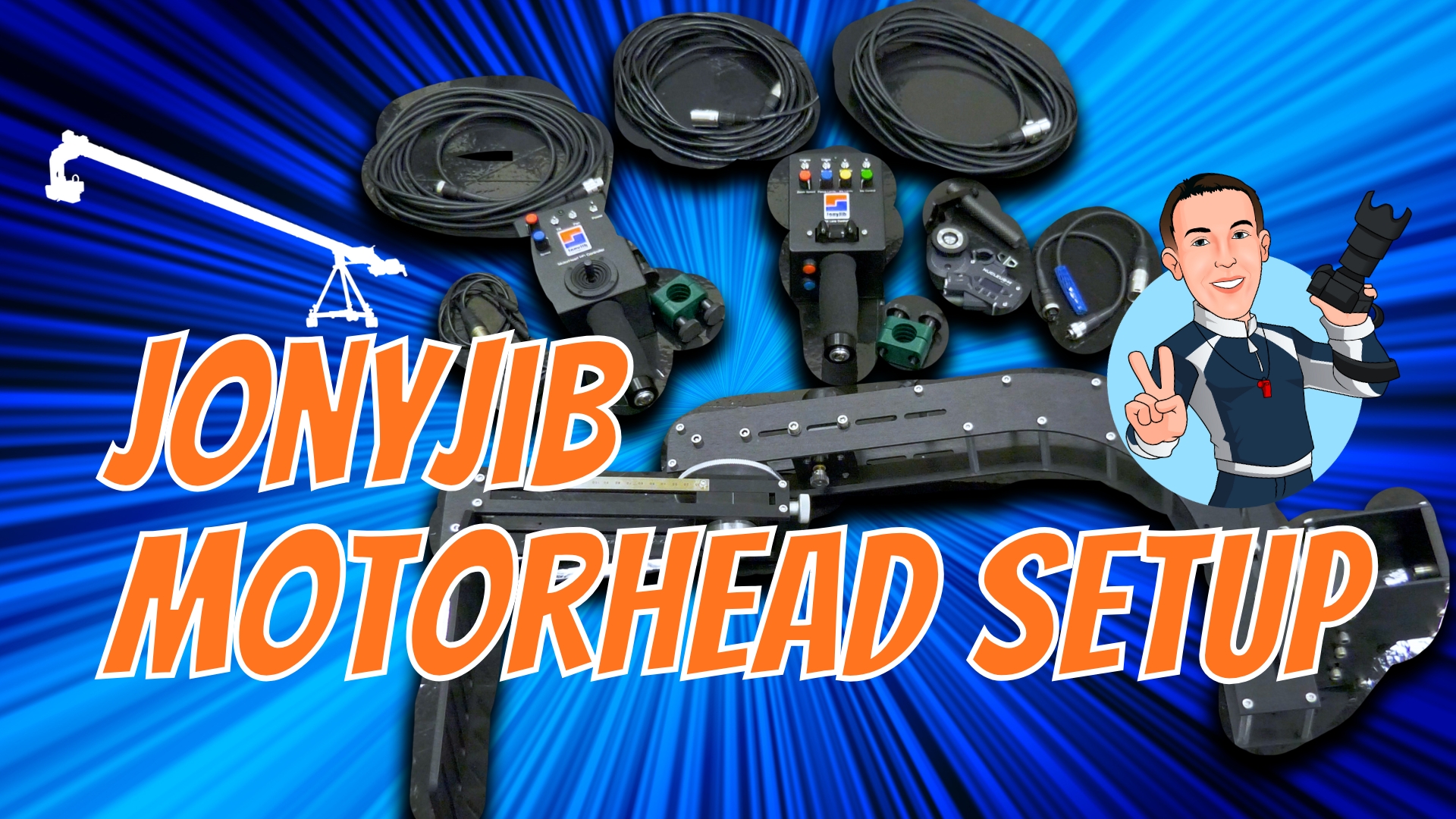
This demonstration will walk you through the complete installation and calibration of the JonyJib MotorHead HD with ZR4 lens control on a jib. This video covers mounting, balancing, cable connections, and motor calibration—so you can get your camera system fully dialed in for smooth and reliable operation.
Featured gear includes:
- JonyJib MotorHead HD & ZR4 lens control system
- Blackmagic URSA Broadcast G2 with Camera Fiber Converter
- Tilta Nucleus-M lens control
Whether you’re setting up in a broadcast studio, live production, or field environment, this guide will help you achieve proper balance, motor calibration, and lens control performance.
📌 Chapters
00:06 = Mounting the Controllers
01:57 = Attaching the Pan & Tilt Head
03:22 = Identifying the Center of Gravity for the Camera Payload
04:30 = Mounting the Camera Quick Release Plate to the Camera Platform
05:44 = Attaching the ZR4 Lens Bracket & Focus/Iris Motor Assembly
07:07 = Using the Camera Vertical Adjust with the COG Scale
08:47 = Making the Tilt/Pan Motor Connections
09:19 = Making the Lens Motor Connections
12:00 = Final Balancing & Adjustments with Full Cable Package Installed
13:26 = Setting Up Motors & Lens Control
15:53 = Calibrating the Focus Motor with Lens
16:56 = Checking Lens Control Operation
17:42 = Checking Pan/Tilt Operation
18:18 = Fine Adjustment: Resolve Creeping of the Zoom While Idle
Comments are closed