

Free Professional Tools for Rundown Creator Management
Are you managing multiple users in Rundown Creator? Do you need to protect your script templates from accidental modifications? The AV Coach has created a comprehensive suite of free, professional-grade web application tools that run entirely in your browser – no installation required!
🛠️ Complete Tool Suite
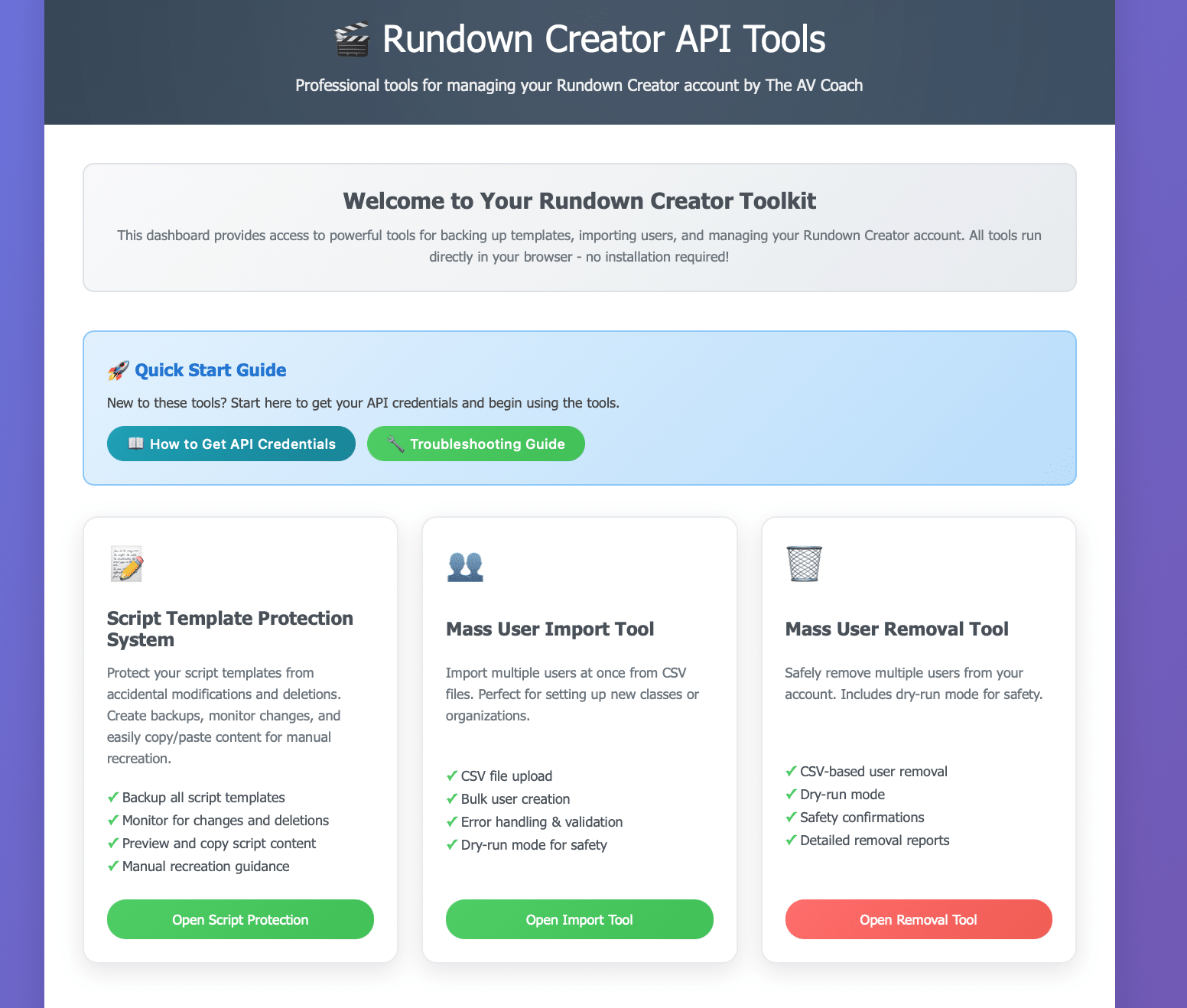
1. Script Template Protection System
Protect your script templates from accidental modifications and deletions
Features:
- Create comprehensive backups of all script templates
- Monitor for changes and deletions in real-time
- Preview script content with proper formatting
- One-click copy/paste for easy manual recreation
- Download/upload backup files for portability
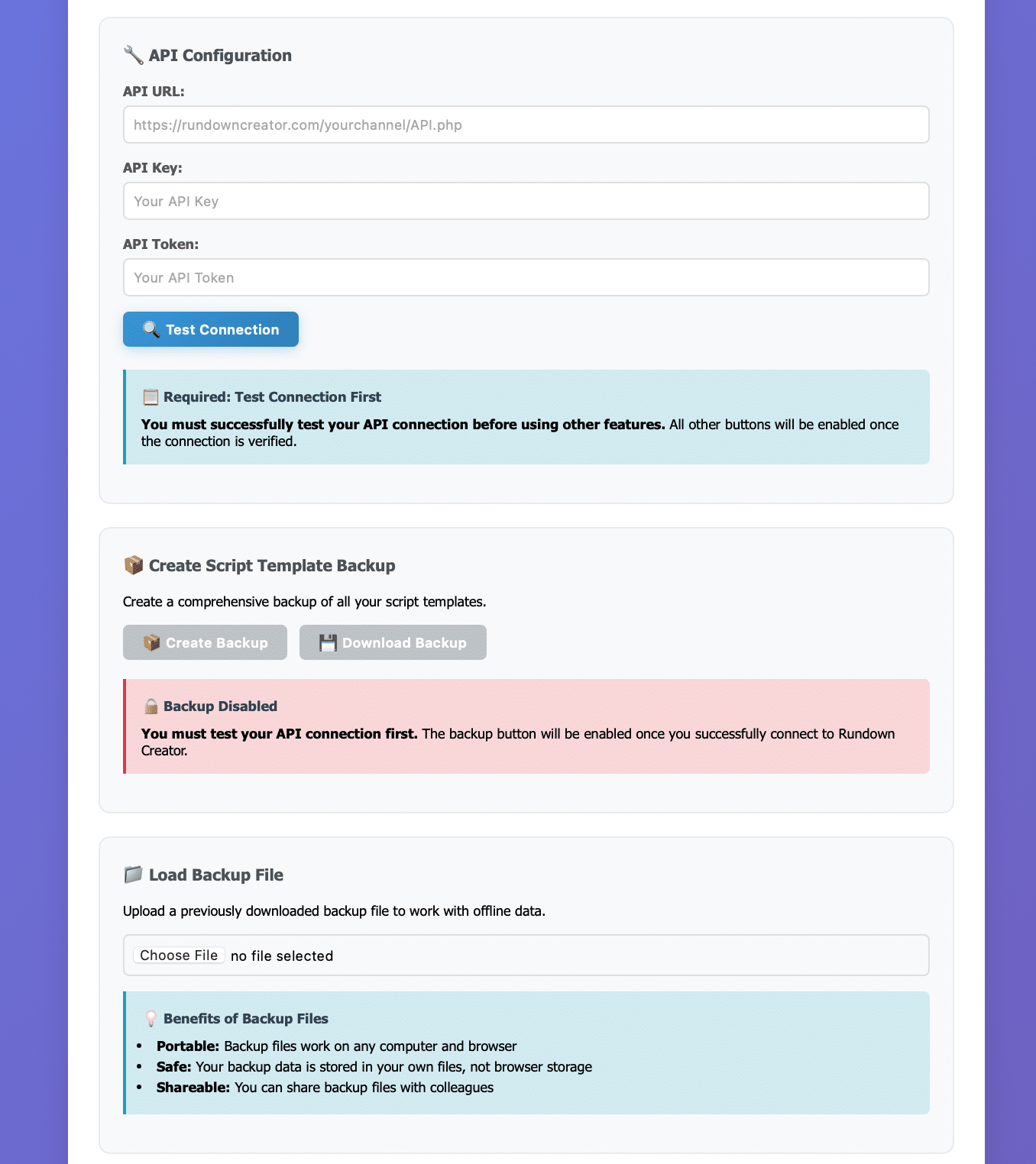
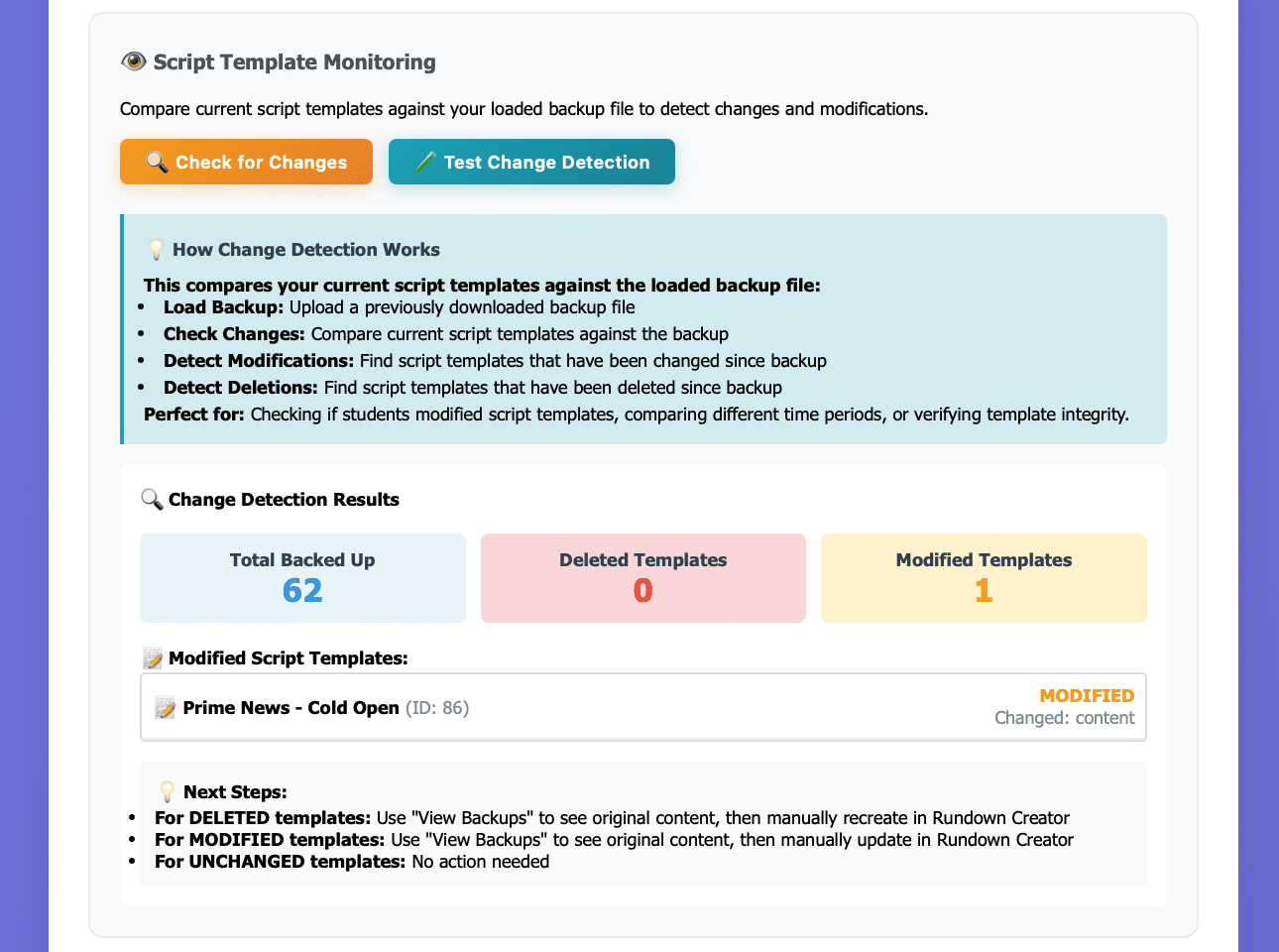
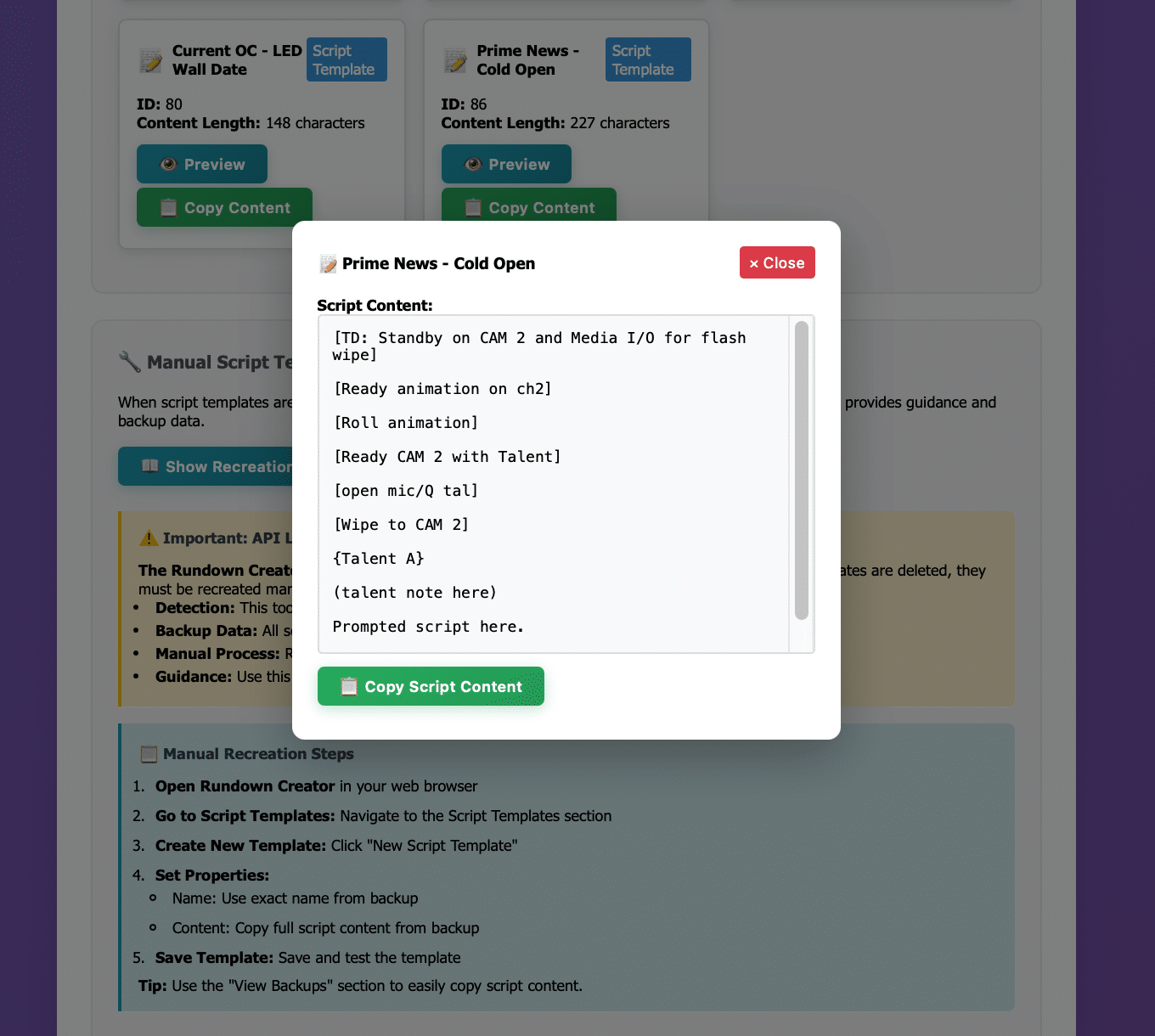
Perfect for: Organizations where multiple users have Producer roles and might accidentally modify or delete script templates.
2. Mass User Import Tool
Import multiple users at once from CSV files
Features:
- CSV file upload with drag-and-drop support
- Bulk user creation with role assignment
- Error handling and validation
- Dry-run mode for safety testing
- Detailed import reports
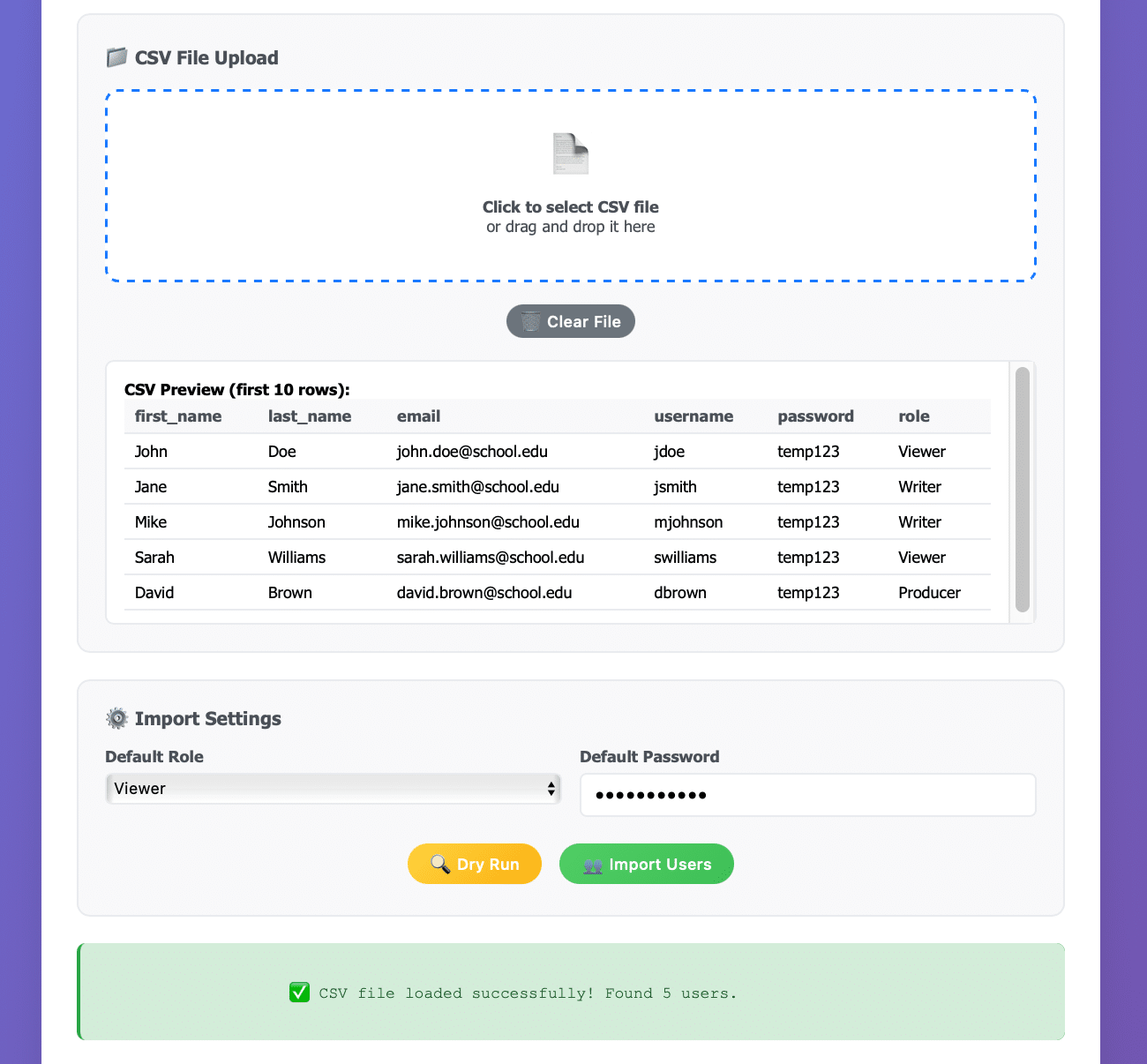
Perfect for: Setting up new teams, projects, or organizations with multiple users.
3. Mass User Removal Tool
Safely remove multiple users from your account
Features:
- CSV-based user removal
- Dry-run mode for safety
- Safety confirmations before deletion
- Detailed removal reports
- Error handling for non-existent users
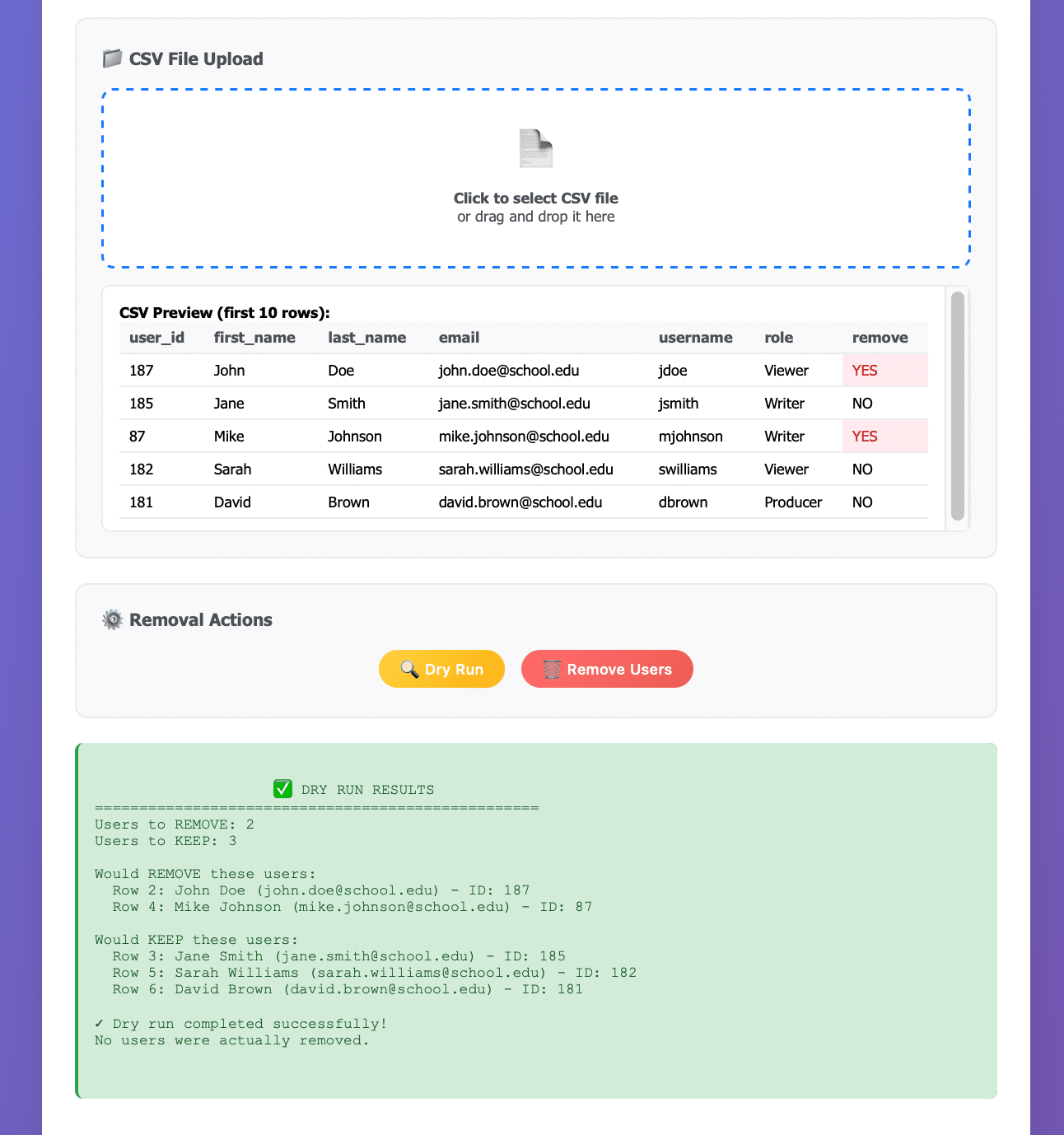
Perfect for: Project cleanup or removing inactive users.
💻 Use Now
No download required – works directly in your browser!
🚀 Quick Start Guide
Step 1: Get Your API Credentials
- Log into Rundown Creator
- Go to Settings > My Settings > API
- Check the “Enable my API key/token” checkbox
- Be Ready to Copy your API URL, API Key, and API Token
Step 2: Use the Tools
- Navigate to https://theavcoach.com/rundown-tools
- Choose your tool and enter your API credentials
- Test the connection and start using the tool!
- Share the URL with your team/others
💡 Key Benefits
For Organizations:
- Protect Your Investment – Script templates represent hours of work
- Streamline User Management – Handle multiple users efficiently
- Reduce Administrative Burden – Automated processes save time
- Professional Grade – Enterprise-level functionality for free
For Teams:
- Template Security – Never lose your script templates again
- Efficient Onboarding – Quickly add new team members
- Clean Account Management – Remove inactive users easily
- Backup and Recovery – Always have a safety net
🔧 Technical Details
- Browser-Based – No installation required
- Cross-Platform – Works on Windows, Mac, Linux
- Secure – All processing happens locally in your browser
🆘 Support and Troubleshooting
Common Issues:
- Connection Failed – Check your API URL ends with
/API.php - Authentication Failed – Ensure “Enable my API key/token” is checked
- No Templates Found – Verify you have script templates in your account
- Tool Not Loading – Clear browser cache and try again
Getting Help:
- All tools include built-in troubleshooting guides
- Check the Quick Start guide for step-by-step instructions
- Tools work entirely in your browser – no server setup required
Requirements: Modern web browser with JavaScript enabled
Compatibility: All modern browsers (Chrome, Firefox, Safari, Edge)
Ready to streamline your Rundown Creator management? Use these tools today and experience professional-grade functionality for free!
Ready to get started? Visit Rundown Creator to create your account and begin using these professional tools.
These tools are designed to work with Rundown Creator’s API. Make sure you have an active Rundown Creator account before using the tools.
Comments are closed