
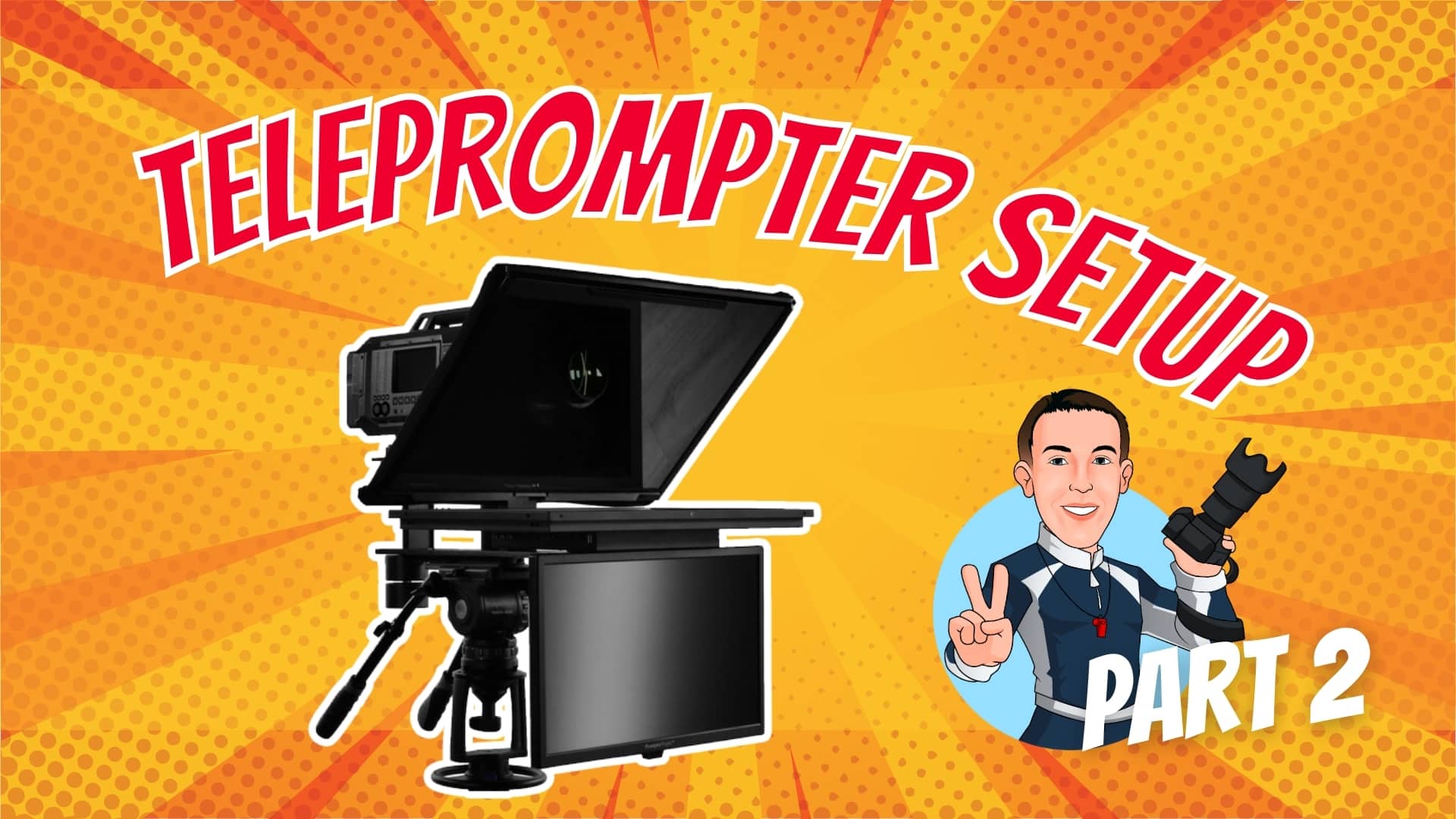
In this Part 2 tutorial of the studio camera build series, you’ll learn how to assemble and configure the Prompter People Q-Gear QPro 24” teleprompter (16:9 Pro 400 NIT) along with the 21.5” 3G-SDI HDMI RGB IPS Talent Monitor.
This video picks up right where Part 1 left off—after building the Libec QD-10PD pedestal—and walks you through every step of setting up a professional broadcast teleprompter and talent display for a 4K studio camera system.
What you’ll learn in this video:
- Preparing the pedestal slide plate and camera riser for the teleprompter
- Mounting the talent monitor and teleprompter display
- Installing counterbalance weights for smooth operation
- Properly installing the beam-splitting glass and frame
- Power distribution tips and cable management for a clean, reliable setup
📺 Chapters
- 00:00 – Preparing the Pedestal Slide Plate & Teleprompter Camera Riser
- 02:31 – Mounting the Talent Display
- 04:37 – Mounting the Teleprompter Display
- 05:01 – Installing Counterbalance Weights
- 05:45 – Installing the Teleprompter Beam Splitting Glass & Frame
- 06:54 – Power Distribution & Cable Management
Comments are closed