
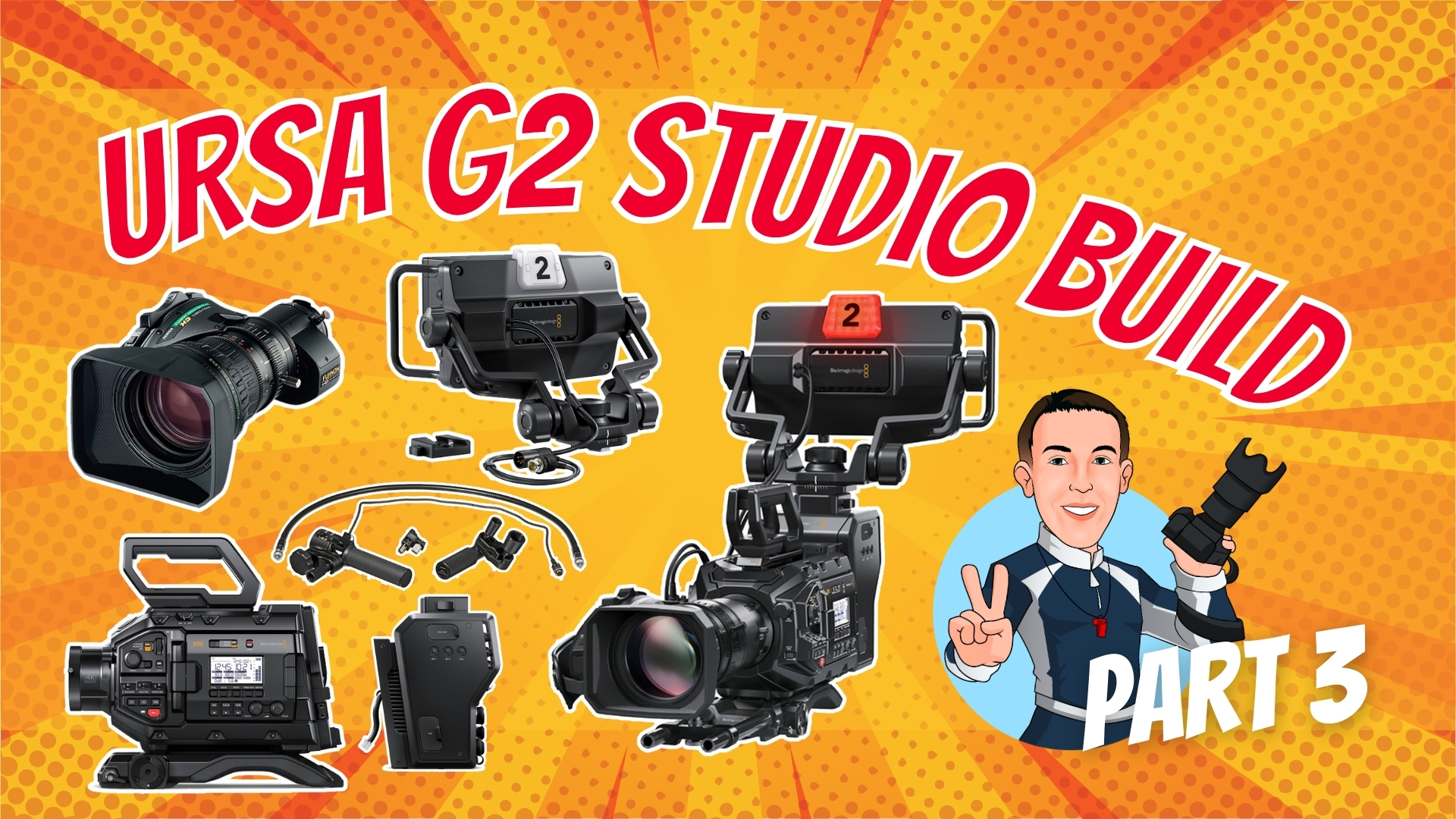
This Part 3 tutorial in the studio camera build series walks you through assembling a Blackmagic Design URSA Broadcast G2 camera with professional broadcast accessories. In this segment, the Fujinon MS-01 semi-servo kit will be prepped, the XA20SX8.5BRM lens will be mounted, and the Blackmagic Camera Fiber Converter and URSA Studio Viewfinder G2 will be installed to create a broadcast-ready 4K camera.
What you’ll learn in this video:
- How to add the URSA Broadcast G2 VCT-style shoulder mount
- Preparing and installing the Camera Fiber Converter for SMPTE fiber connectivity
- Mounting and connecting the Fujinon lens with the MS-01 semi-servo kit
- Adding the Studio Viewfinder G2 and top handle for professional studio use
- Cable management and connection tips for a clean, reliable build
📺 Chapters
- 00:08 – Attaching the Camera to the Shoulder Mount/VCT-Style Mount
- 02:13 – Removing the Battery Plate to Prepare for Camera Fiber Converter
- 06:33 – Mounting the Camera Fiber Converter
- 09:04 – Mounting the Top Handle
- 12:17 – Connecting the Camera Fiber Converter
- 13:06 – Preparing the Lens
- 14:27 – Mounting the Lens
- 16:31 – Preparing the Studio Viewfinder
- 18:13 – Mounting the Studio Viewfinder
Comments are closed