
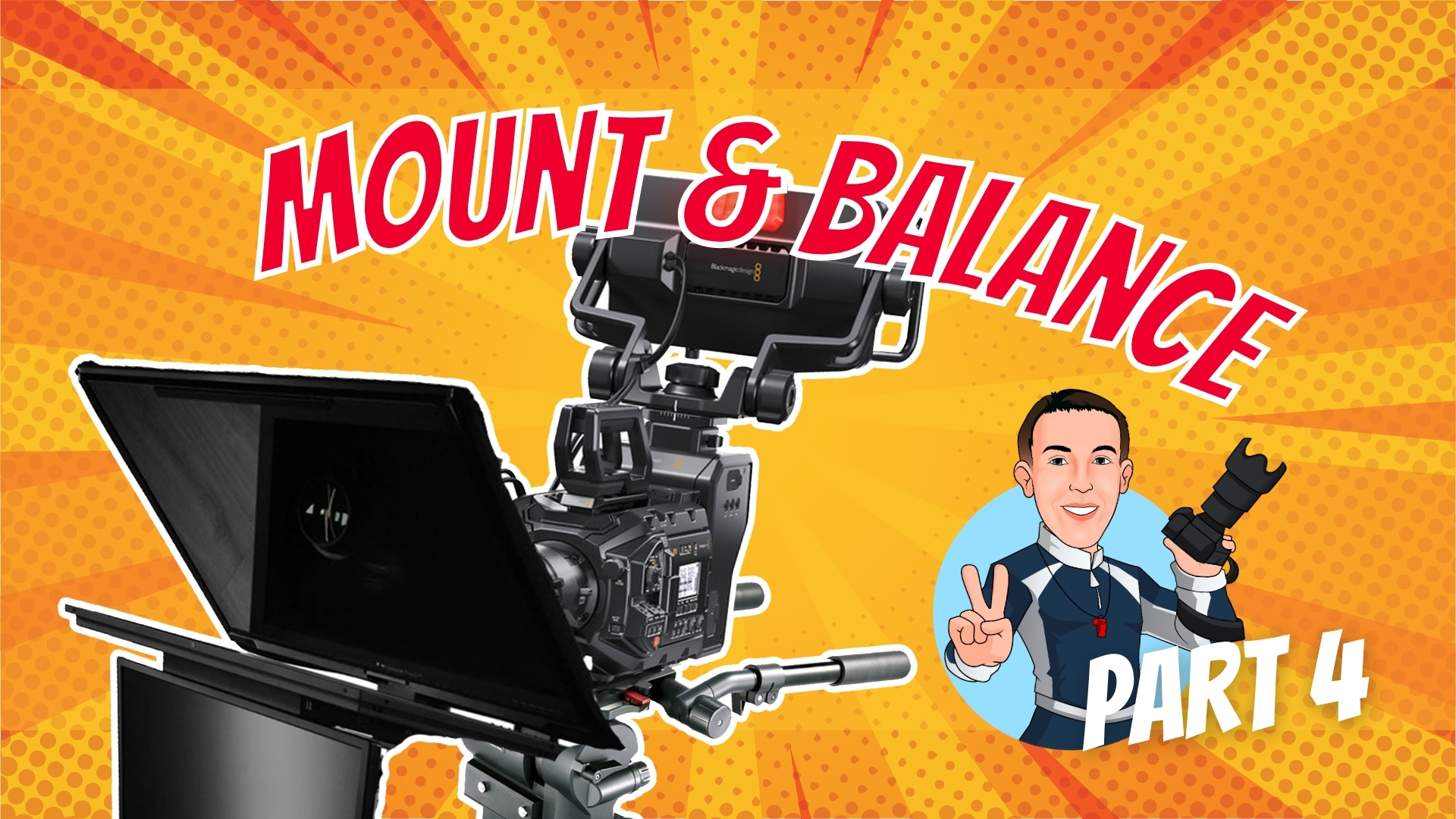
In Part 4 of the studio camera build series, the Blackmagic Design URSA Broadcast G2 camera system—equipped with a Fujinon XA20SX8.5BRM lens, Fujinon MS-01 semi-servo kit, Blackmagic Camera Fiber Converter, Axler VCT-style plate, and URSA Studio Viewfinder G2— gets mounted onto the Libec QD-10PD pedestal system. You’ll witness how to integrate the Prompter People Q-Gear QPro 24” teleprompter and talent monitor to finish off a broadcast-ready 4K studio camera system.
What you’ll learn in this video:
- Preparing the teleprompter riser and adjusting height for the VCT-style plate
- Mounting and balancing the complete camera system on the Libec QD-10PD
- Attaching and connecting the focus and zoom controllers
- Setting up lens servo controls, SDI video connections, and power adapters
- Pressurizing the pedestal column and performing a balance test
- Fine-tuning with the QH1 Smooth Counterbalance System
- Adding accessories like a gooseneck tablet clamp and adjusting the Prompter People French flag for glare control
📺 Chapters
- 00:11 – Preparation: Adding the VCT-Style Plate to the Teleprompter Riser/Setting the Height
- 03:48 – Mounting the Camera System
- 04:02 – Clamping on the Focus Controller
- 05:10 – Clamping on the Zoom Controller
- 07:55 – Connecting the Lens Servo Zoom Control
- 08:53 – Connecting the Focus Control
- 11:05 – Preparing the SDI Video Connections
- 12:31 – Dressing the Power Adapters
- 14:49 – Pressurizing the Pedestal Column
- 15:58 – Removing Any Remaining Protective Surfaces
- 16:25 – Balance Test
- 18:41 – How to Use the QH1 Smooth Counterbalance System
- 20:33 – Installing Accessories: Gooseneck Tablet Clamp Mount
- 23:44 – Prompter People French Flag Adjustment & Customization
Bonus Accessories Shown in This Video:
- CANHET Tablet Holder – 360° gooseneck clamp (model X004EF1071) – great for attaching scripts or rundowns to the camera.
- FRETONBA Hanging Clipboard (model X004NQ60V1) – a simple way to keep rundowns visible on set.
Comments are closed